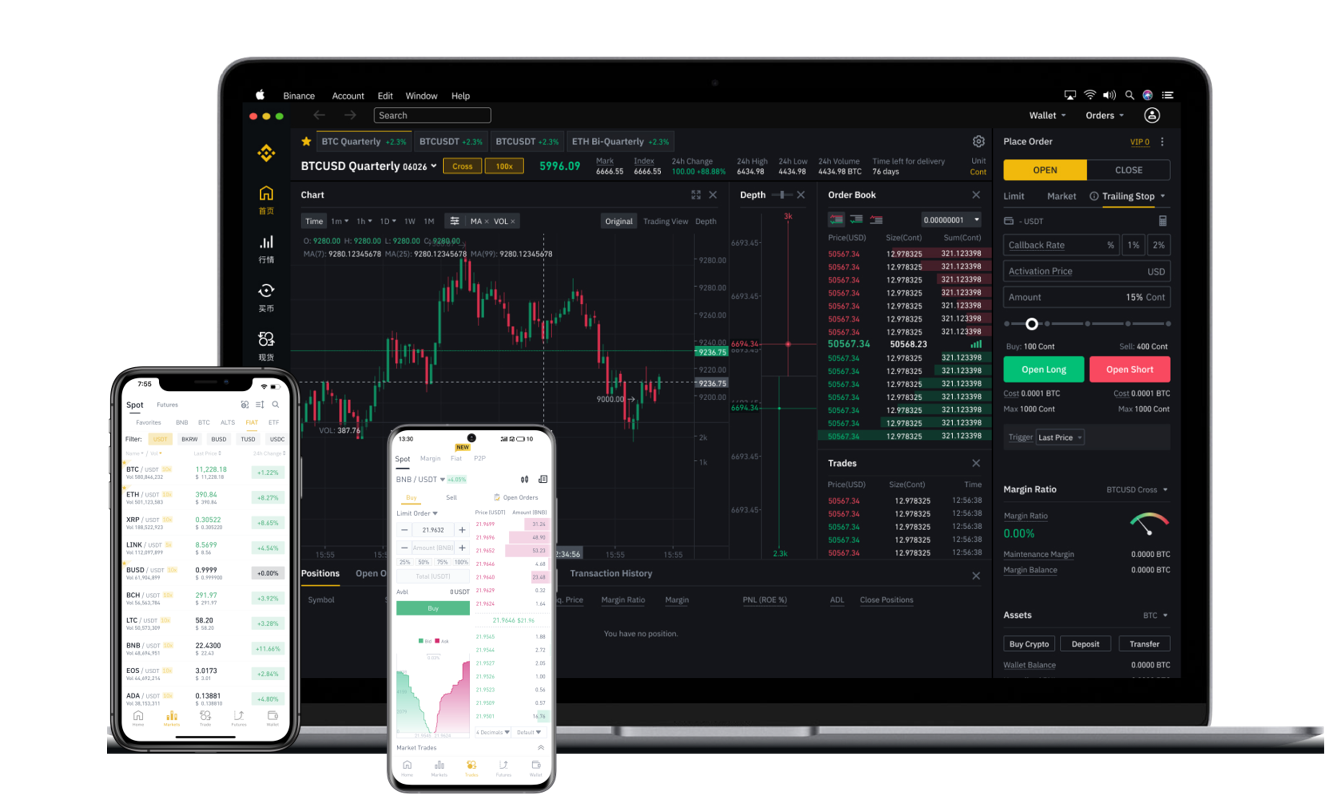

TP Wallet is one of the most popular multi-chain cryptocurrency wallets in the market, supporting assets on networks like Ethereum, Binance Smart Chain, Polygon, and more. Meanwhile, Binance remains the world’s leading centralized exchange by trading volume. When combined, TP Wallet and Binance offer a powerful workflow for managing, trading, and storing digital assets. This article explores how TP Wallet integrates with Binance, the key benefits, and what users should watch out for.
First, it is important to understand the basic relationship. Binance is a centralized exchange (CEX) where users can buy, sell, and trade cryptocurrencies. TP Wallet, on the other hand, is a decentralized wallet (non-custodial) where users control their own private keys. While they operate differently, the two are frequently used together: users often buy crypto on Binance, then withdraw those funds to TP Wallet for decentralized finance (DeFi) activities, staking, or long-term storage.
One of the main reasons traders choose TP Wallet alongside Binance is the seamless support for Binance Smart Chain (BSC). TP Wallet has native support for BSC, which means you can easily add the BSC network and manage BEP-20 tokens. This is especially useful because transaction fees on BSC are significantly lower than on Ethereum. Whether you are sending USDT from Binance to TP Wallet or interacting with PancakeSwap, the process is straightforward: copy your TP Wallet address for the Binance Smart Chain network, paste it into the Binance withdrawal page, and confirm.
Another advantage is the cross-chain swap feature. Many TP Wallet versions include built-in decentralized exchange (DEX) aggregators that allow users to swap tokens directly within the wallet. If you have funds on Binance but need to move them to another chain (like Arbitrum or Polygon), you can withdraw from Binance to TP Wallet and then use the wallet’s bridge or swap function to move assets across chains. This eliminates the need for multiple external tools.
Security is another critical point. Because TP Wallet is non-custodial, Binance cannot control or freeze your assets once they are withdrawn. This gives users full ownership, which is essential for those who follow the principle of "not your keys, not your coins." However, users must also be cautious. While Binance has robust security and insurance funds, TP Wallet relies entirely on the user’s seed phrase and private key security. If you lose your seed phrase or fall victim to a phishing scam, Binance cannot help recover the funds.
There are also a few limitations. TP Wallet is a decentralized application, so it does not have direct fiat on-ramps like Binance does. You typically need to purchase crypto through an exchange first. Additionally, some users report that TP Wallet’s user interface is less polished compared to Binance’s mobile app. The wallet can also be slower to update for newer or obscure tokens. For everyday trading with high frequency, Binance’s own platform is usually faster and more convenient.
In conclusion, TP Wallet and Binance complement each other well. Use Binance for buying crypto with fiat, spot trading, and liquidity. Then, use TP Wallet for decentralized finance, multi-chain management, and true asset ownership. Always double-check network compatibility when withdrawing tokens, and never share your private key or seed phrase. By understanding the strengths and differences of each platform, you can build a safer and more efficient crypto management strategy.