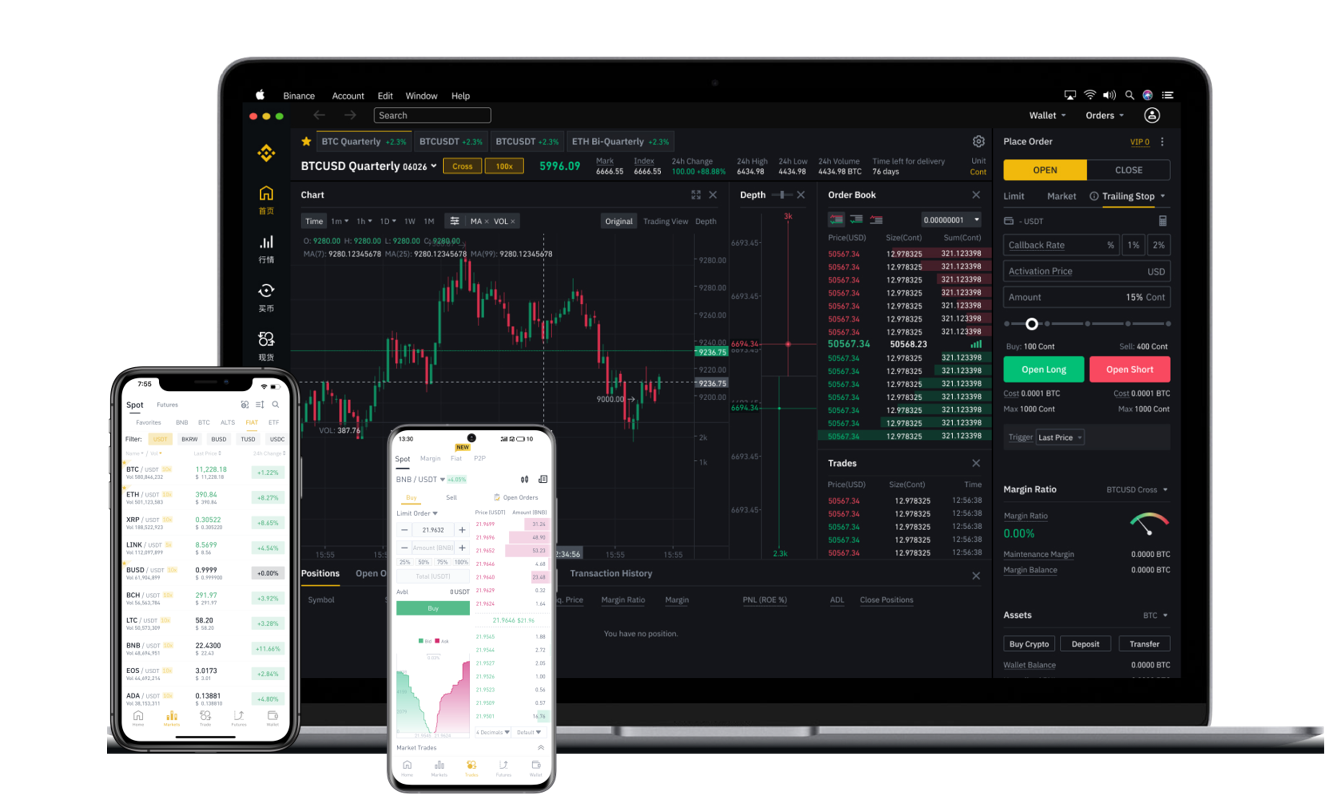


If you are using the Binance cryptocurrency exchange, one of the most common tasks you will need to perform is withdrawing your funds. Whether you want to move your crypto to a personal wallet, transfer assets to another exchange, or cash out to fiat currency, understanding the withdrawal process is essential. This guide provides a clear, step-by-step explanation of how to withdraw funds from Binance safely and efficiently.
First, log in to your Binance account. It is recommended to use the official Binance website or the verified mobile app. Before proceeding, ensure that your account security features, such as two-factor authentication (2FA), are enabled. This adds an extra layer of protection for your assets during any withdrawal process.
Once logged in, navigate to the "Wallet" section, usually found in the top menu bar. From the dropdown menu, select "Spot Wallet." This will display all your available assets and balances. Locate the specific cryptocurrency you wish to withdraw, such as Bitcoin, Ethereum, or USDT. Click the "Withdraw" button next to the chosen asset.
You will now need to enter the withdrawal details. The most important information is the recipient address. This is the wallet address where your funds will be sent. It is crucial to double-check this address carefully. Cryptocurrency transactions are irreversible, so any mistake in the address could result in a permanent loss of funds. Also, select the correct network for the transfer. For example, if you are withdrawing Ethereum, you can choose between the ERC-20 network or other supported networks like BEP-20. The network you select must match the network supported by the receiving wallet.
After entering the address and network, input the amount you want to withdraw. Binance will show you the corresponding withdrawal fee and the final amount you will receive. Some exchanges have minimum withdrawal limits, so ensure your amount meets the requirement. Review all the details again before clicking "Submit."
Binance will then require you to complete a security verification. This typically includes a confirmation via your email and your 2FA code. Depending on your account settings, you may also need to complete a passkey or SMS verification. Follow the on-screen instructions to confirm the withdrawal request.
Once your request is submitted, the withdrawal will be processed. For most cryptocurrencies, the processing time is relatively fast, but it can vary depending on network congestion and the specific blockchain used. You can check the status of your withdrawal in the "Transaction History" section under your Wallet.
If you are withdrawing fiat currency, such as USD or EUR, the process is slightly different. You will need to have completed the Binance identity verification (KYC) process first. Then, go to the "Fiat and Spot" wallet, select your fiat balance, and choose a withdrawal method. Binance supports bank transfers, credit cards, and peer-to-peer (P2P) trading for fiat withdrawals. Select the method that is most convenient for you and follow the instructions. Fiat withdrawals may take several business days to arrive in your bank account, depending on your region and payment provider.
To ensure a smooth withdrawal experience, always keep your wallet addresses saved in a safe place. Avoid copying and pasting addresses from unverified sources. If you are withdrawing a large amount, consider doing a small test withdrawal first. This helps you confirm that the address and network settings are correct without risking a significant sum.
In summary, withdrawing funds from Binance is a straightforward process when you follow the correct steps. Always prioritize security by using 2FA and verifying every detail before confirming the transaction. By understanding the withdrawal mechanisms, you can manage your digital assets with confidence and avoid common pitfalls. Whether you are transferring to a cold wallet, moving funds to another platform, or cashing out to your bank, this guide provides the essential knowledge to complete your withdrawal successfully.