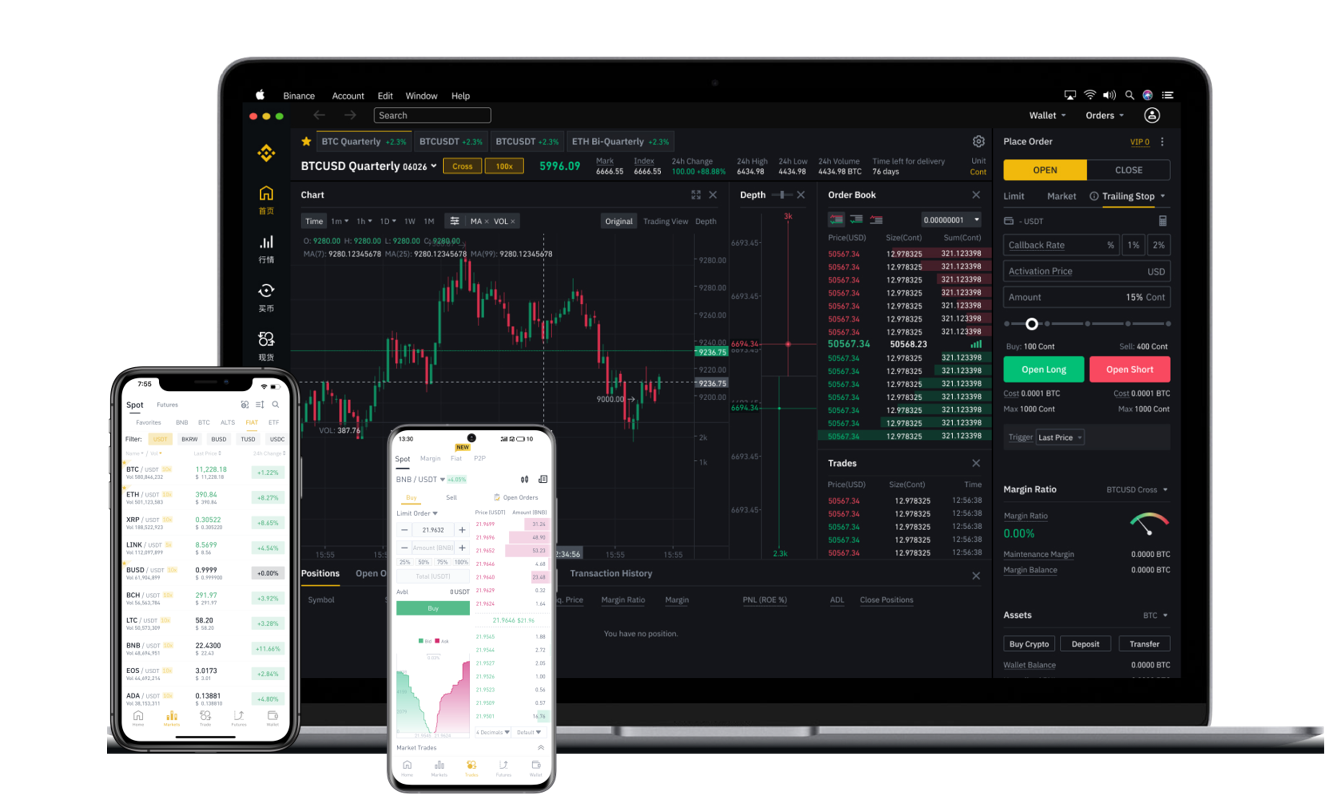

Binance is one of the world’s largest cryptocurrency exchanges, offering a wide range of services including spot trading, futures, staking, and mining pools. If you have been using Binance’s mining features or simply holding crypto on the platform, you may eventually need to withdraw your funds. This guide explains how to withdraw from Binance with a focus on clarity and security, covering everything from basic steps to common troubleshooting tips.
Before initiating a withdrawal, ensure your Binance account is fully verified. Complete identity verification (KYC) is often required for higher withdrawal limits. To begin, log into your Binance account and navigate to the “Wallet” section. From there, select “Spot” or “Funding,” depending on where your assets are held. If you have been mining on Binance Pool, your rewards usually appear in the “Funding” wallet after each payout cycle.
Once you are in the correct wallet, click “Withdraw.” You will see a list of cryptocurrencies supported for withdrawal. Choose the coin you want to withdraw—for example, Bitcoin, Ethereum, or USDT. After selecting the asset, you must enter the destination wallet address. This is critical: double-check the address carefully. A single incorrect character can result in permanent loss of funds. Always copy the address directly from your external wallet and verify the first and last few characters.
Next, select the network for the withdrawal. Common options include ERC-20 for Ethereum-based tokens, BEP-20 for Binance Smart Chain, and BTC for Bitcoin. Using the wrong network will cause your funds to be lost or require manual recovery. Check with your receiving wallet or exchange to confirm which network it supports. The withdrawal fee and minimum amount vary by network; for example, withdrawing Bitcoin via the BTC network typically costs more than using BEP-20, but BEP-20 is not always supported by external wallets.
After entering the address and network, input the withdrawal amount. Binance will display the estimated fee and the final amount you will receive. Some exchanges also allow you to set a withdrawal tag or memo, especially for assets like XRP, XLM, or EOS. If your destination requires this tag, do not leave it blank—otherwise the transfer may not be credited.
Before finalizing, review all details: asset, amount, address, network, tag. Binance may ask for an email confirmation or SMS verification code. In many cases, you also need to enter a Google Authenticator code or answer a security question. This multi-factor authentication is there to prevent unauthorized withdrawals. Keep your mobile device and email secure.
Once submitted, the withdrawal is processed. Small amounts or internally verified addresses (such as whitelisted ones) may be processed instantly, but new addresses or large transfers can take from a few minutes to several hours depending on network congestion. You can monitor the withdrawal status under “Transaction History” on Binance. After the blockchain confirms the transaction, the funds will appear in your external wallet.
Common issues include withdrawal delays due to network traffic, addresses being blacklisted, or daily limits being exceeded. Binance sets withdrawal limits based on your verification level and the asset type. If you need to withdraw a large amount, consider whitelisting the destination address in advance—this increases security and may also expedite processing. Also note that for fiat currency (such as USD or EUR), you might need to use Binance’s convert feature or sell your crypto before transferring to a bank account via bank transfer or third-party payment services.
In summary, withdrawing from Binance is a straightforward process if you follow each step carefully: verify your account, select the correct wallet, enter an accurate destination address, choose the right network, and confirm security checks. Always test with a small amount first when dealing with a new address. By understanding these steps, you can manage your funds securely and efficiently on the Binance platform.