

Withdrawing funds from Binance, one of the world’s largest cryptocurrency exchanges, is a straightforward process once you understand the steps. Whether you want to move your crypto to a personal wallet or convert it to fiat currency (like USD or EUR), this guide will walk you through the entire process.
First, log in to your Binance account. If you haven’t registered yet, you will need to complete the identity verification (KYC) process, which includes submitting a government-issued ID and a selfie. This is mandatory for withdrawals, as Binance complies with global anti-money laundering regulations.
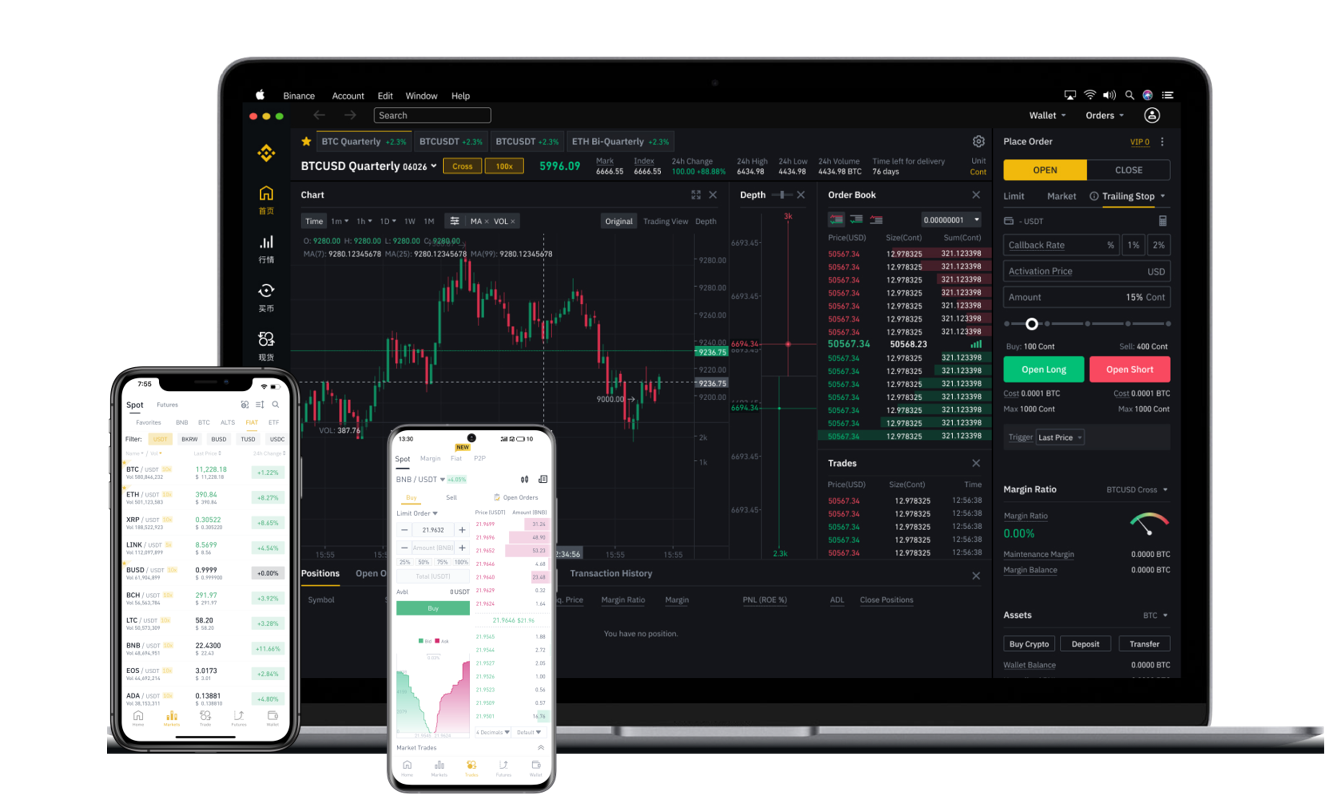
Once logged in, navigate to the “Wallet” section on the top menu and select “Fiat and Spot.” Here you will see your available balance for each cryptocurrency. To start a withdrawal, click the “Withdraw” button next to the asset you wish to move (e.g., Bitcoin, Ethereum, or USDT).
Next, you will need to enter the withdrawal address. This is the wallet address where your funds will be sent. Be extremely careful: double-check every character. Crypto transactions are irreversible, and sending funds to the wrong address often results in permanent loss. It is recommended to copy the address directly from your receiving wallet and paste it into Binance. For added security, Binance will ask you to verify the withdrawal via email and SMS.
After confirming the address, enter the amount you want to withdraw. Binance will show you the network fee (also called gas fee) for the transaction. Different blockchains have different fees; for example, withdrawing Ethereum through the ERC-20 network is typically more expensive than using the BEP-20 (Binance Smart Chain) network. Make sure the receiving wallet supports the network you select to avoid losing funds.
Before finalizing, Binance will send a confirmation code to your registered email and phone number. Enter these codes in the required fields. If you have enabled Google Authenticator, you will also need to input a 6-digit code from the app.
Finally, click “Submit.” The withdrawal request will be processed. Depending on the blockchain network's current congestion, it may take anywhere from a few minutes to several hours. You can track the status under “Withdrawal History” in the same wallet section.
If you aim to convert your crypto into fiat money (like USD) and withdraw to a bank account, the process is slightly different. Instead of withdrawing crypto, you must first sell your crypto for fiat on Binance’s spot market. Once you have a fiat balance (e.g., USDT changed to USD), go to the “Fiat and Spot” wallet, select your fiat currency, and click “Withdraw.” You can then link a bank card or bank account to receive the money. Note that bank withdrawals may incur additional fees and take 1-3 business days.
Security is paramount when withdrawing large sums. Always use whitelist addresses (a feature in Binance that restricts withdrawals to only pre-approved wallet addresses). Also, avoid using public Wi-Fi when performing transactions. If you ever encounter an issue, Binance’s customer support is accessible via live chat on their website, though response times may vary during high traffic periods.
In summary, the key steps to withdraw from Binance are: verify your account, choose the correct asset and network, input the exact receiving address, confirm via email and SMS, and wait for the blockchain to confirm. By following these steps carefully, you can safely move your digital assets out of the Binance exchange.