
If you are holding USDT (Tether) on a Binance Chain wallet and need to move it to a cryptocurrency exchange for trading, withdrawal, or conversion, the process is straightforward but requires attention to network compatibility. This guide explains how to transfer USDT from a Binance Chain wallet to an exchange, and how to use the funds once they arrive.
First, understand that USDT exists on multiple blockchain networks, including Binance Smart Chain (BSC), Binance Chain (BNB Beacon Chain), Ethereum (ERC-20), and TRON (TRC-20). When transferring from a Binance Chain wallet, you are typically using either BEP-2 (Binance Chain) or BEP-20 (Binance Smart Chain) tokens. To begin, log into your exchange account and navigate to the "Deposit" or "Receive" section. Search for USDT and select the deposit option. The exchange will display a deposit address and, critically, ask you to choose the network. You must select either "BSC (BEP-20)" or "BEP-2" depending on which network your wallet uses. Selecting the wrong network can result in permanent loss of funds.
Once you have selected the correct network, copy the deposit address provided by the exchange. Open your Binance Chain wallet (such as Trust Wallet, MetaMask configured for BSC, or Binance Chain Wallet). Go to the USDT balance and click "Send" or "Withdraw." Paste the exchange deposit address into the recipient field. Enter the amount of USDT you wish to transfer. Double-check that the network matches exactly—BEP-20 to BEP-20, or BEP-2 to BEP-2. Confirm the transaction and pay the network fee (usually in BNB for BSC transactions). The transfer typically completes within a few minutes, but during network congestion, it may take longer.
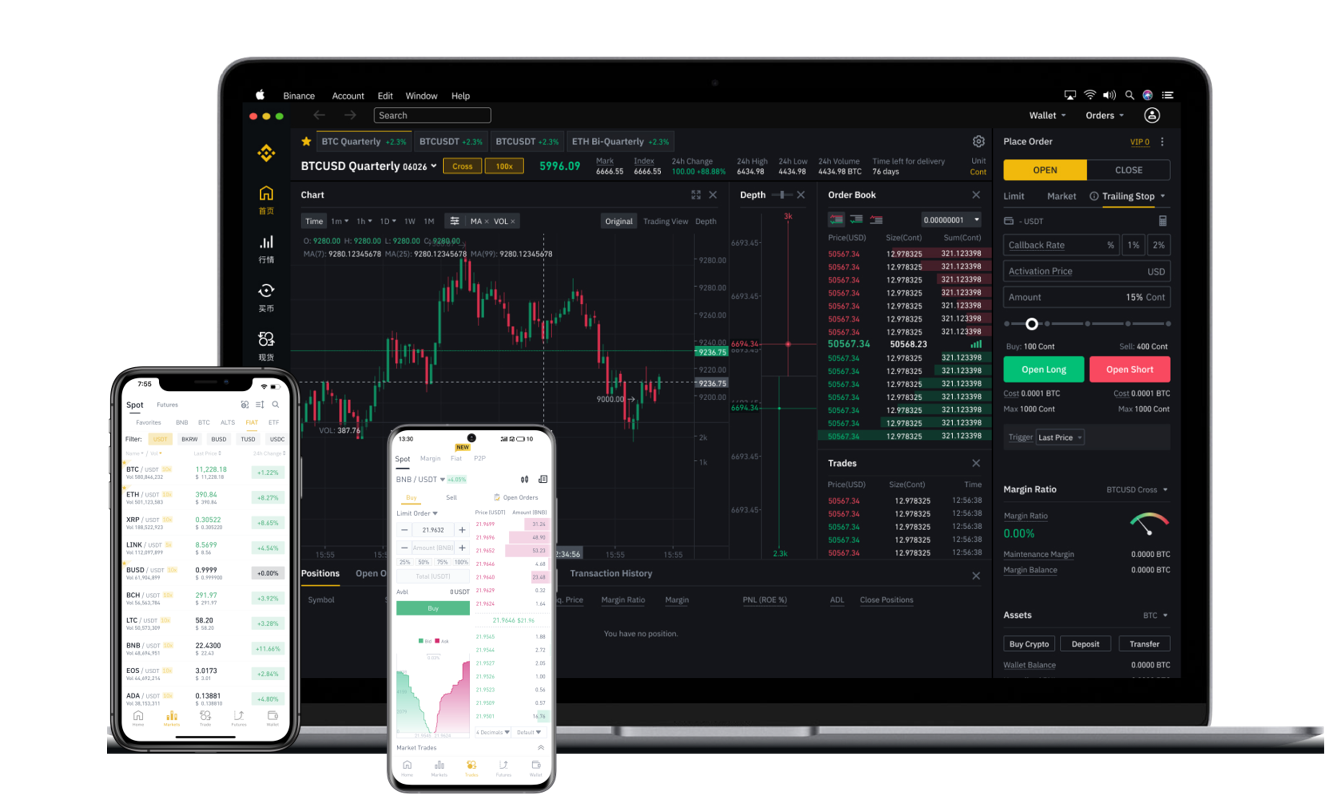
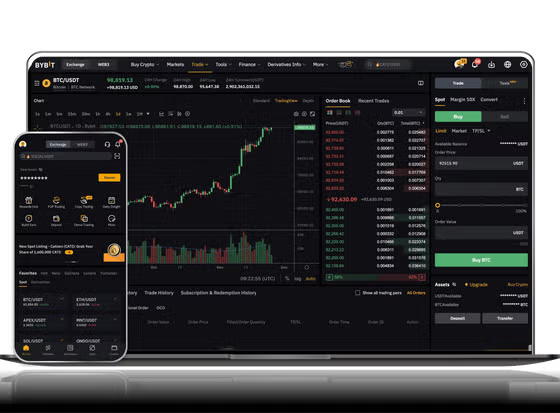
After the transaction is confirmed on the blockchain, the USDT will appear in your exchange wallet. Now you can use the funds in several ways. You might hold them as a stable asset, trade them for other cryptocurrencies like Bitcoin or Ethereum, or convert them to fiat currency (USD, EUR, etc.) if the exchange supports direct fiat withdrawals. To trade, go to the "Markets" or "Trade" section, select a trading pair such as USDT/BTC or USDT/ETH, and place a buy or sell order. To withdraw to your bank account, locate the "Withdraw" option for the specific fiat currency (e.g., USD or EUR), enter your bank details, and follow the exchange’s verification steps.
Important security considerations: always verify the deposit address before sending; use a small test transfer for large amounts; and never share your private keys or seed phrases. Also, keep in mind that exchanges may require minimum deposit amounts, and some charge a small fee for receiving crypto assets. By following these steps, you can safely move USDT from your Binance Chain wallet to any major exchange and start using your funds immediately.