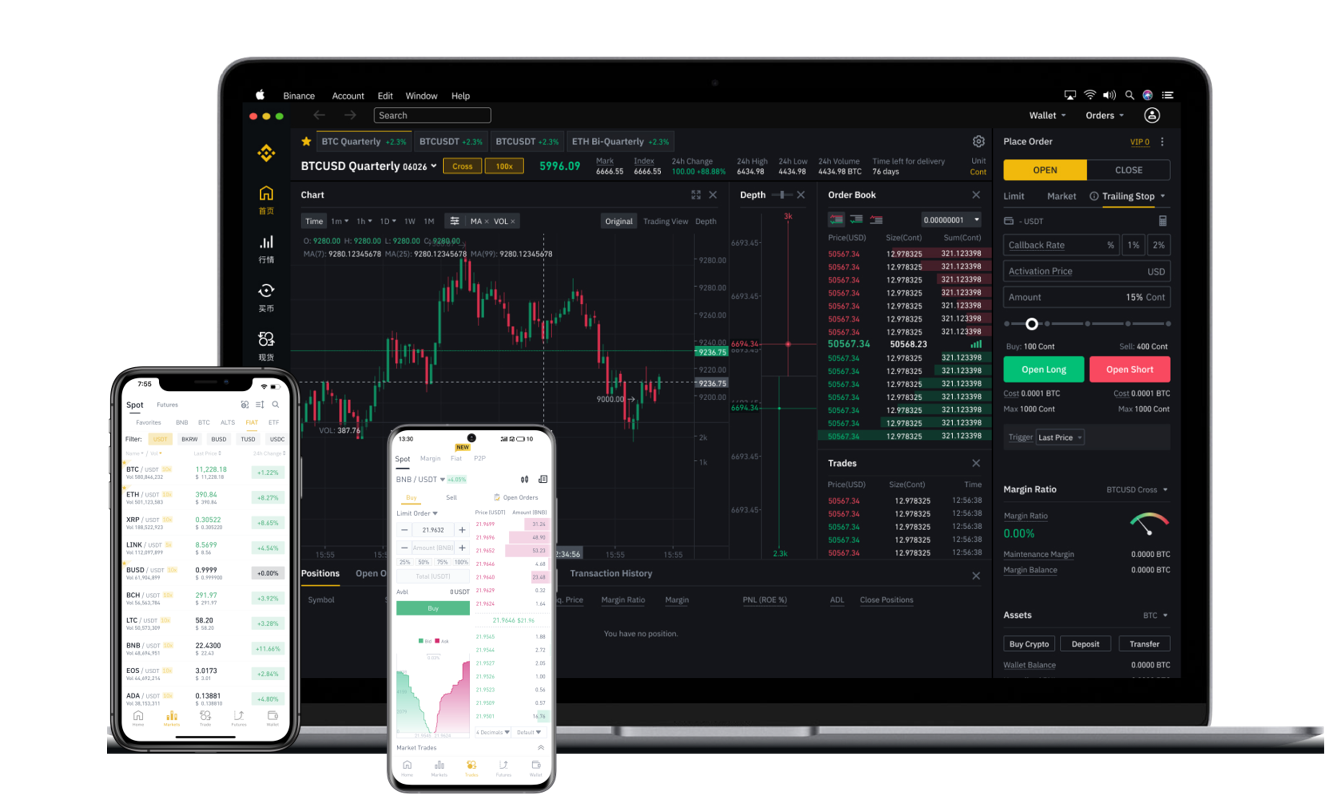


If you are managing crypto assets in a TP wallet and need to move your Binance Chain-based tokens back to a centralized exchange like Binance, understanding the correct transfer process is essential. This guide explains the straightforward method to send BEP-20 tokens (often referred to as "Binance Chain" tokens, including BNB, USDT, or other assets on the BSC network) from your TP wallet to your Binance exchange account. Following these steps ensures your funds arrive safely and without unnecessary delays.
First, ensure you have the correct destination address from your Binance exchange account. Log in to your Binance account, navigate to "Deposit," select the specific token you want to transfer (e.g., BNB, USDT), and choose the BEP-20 network under the deposit options. Binance will display a deposit address and a memo/tag (if required by the token or exchange for internal routing, though BEP-20 deposits on Binance typically do not require a memo unless specified). Copy the complete deposit address carefully. A single character error will result in permanent loss of funds.
Next, open your TP wallet. On the main interface, select the token you wish to send. Make sure the token is displayed with the correct network label – it must show "BSC" or "BEP-20" to confirm you are sending on the right chain. If you only see an ERC-20 or other network version, you may need to add the BSC network to your TP wallet first. To do this, go to the wallet settings, select "Add Network," and input the BSC network details (Chain ID: 56, RPC URL: https://bsc-dataseed.binance.org/). Once the correct token is visible, tap "Send" or "Transfer."
Paste the Binance deposit address into the destination field. Double-check the address for accuracy. In the network selection field, ensure "BSC" or "BEP-20" is chosen. Enter the amount you want to transfer, considering a small BNB balance for transaction fees (BEP-20 transactions require BNB as gas). Review all details: the receiving address, network, token type, and amount. Confirm the transaction by clicking "Send" and authorizing it via your wallet's security protocol (password, biometrics, or hardware key).
After sending, the transaction will process on the Binance Smart Chain. You can monitor its status using the transaction hash on BSCScan. Depending on network congestion, the transfer typically completes within 1 to 5 minutes. Once the Binance exchange confirms the deposit (usually after 12-30 block confirmations), the tokens will appear in your Binance spot wallet. If the tokens do not arrive after a reasonable time, verify that the network used matches what you selected on Binance and that the deposit address is correct. For further help, contact Binance support with the transaction hash.
A final critical caution: always perform a small test transfer first, especially if you are moving a large amount or doing this for the first time. This small step verifies that your address, network, and memo (if any) are all correct. Additionally, never send tokens directly from TP wallet to a Binance deposit address using an incompatible network like ERC-20 when you intend to use BEP-20, as this leads to irreversible losses. By following these steps, you can confidently and securely transfer your Binance Chain tokens from TP wallet back to the exchange.